Trusted by developers, writers, and documentation teams

Open Markdown Files Online with MD Opener

MD Opener is a free online Markdown viewer for opening, previewing, editing, and exporting .md files — with live preview, local-only processing, and no downloads, accounts, or setup.

Live preview
Local processing
No installation
0 words0 characters0 min read
PREVIEW

Welcome to MD Opener

Open a Markdown file, review the formatted output, and keep your content on your device.

What you can do here

  • Import a .md or .markdown file
  • Edit the source in the browser
  • Switch between editor, split, and preview modes
  • Export your content as Markdown or HTML

Example checklist

  • Open the file
  • Review the formatting
  • Export the final draft

Example table

Feature Included
Live preview Yes
Local processing Yes
Installation No
PREVIEW

Welcome to MD Opener

Open a Markdown file, review the formatted output, and keep your content on your device.

What you can do here

  • Import a .md or .markdown file
  • Edit the source in the browser
  • Switch between editor, split, and preview modes
  • Export your content as Markdown or HTML

Example checklist

  • Open the file
  • Review the formatting
  • Export the final draft

Example table

Feature Included
Live preview Yes
Local processing Yes
Installation No
Markdown
UTF-8LF
Markdown ViewerMD File OpenerLive PreviewExport HTMLPrivacy FirstWorks on Mobile
Why Teams Choose It

Everything you need in an online Markdown viewer

Everything is built for fast file review, simple editing, and clean rendering without forcing users into a full developer toolchain.

Instant rendering

Open a Markdown file and see formatted headings, tables, code blocks, and lists immediately.

  • Fast local rendering
  • Readable typography
  • Works with common README content

Private by default

Files are processed in your browser so sensitive notes, product specs, and internal docs stay on your device.

  • No server upload
  • Offline-friendly after load
  • Safe for internal review

Editor and preview together

Switch between editor, split view, and preview mode depending on whether you are drafting or reviewing.

  • Split-screen workflow
  • Copy and export actions
  • Synchronized scrolling

Ready on every device

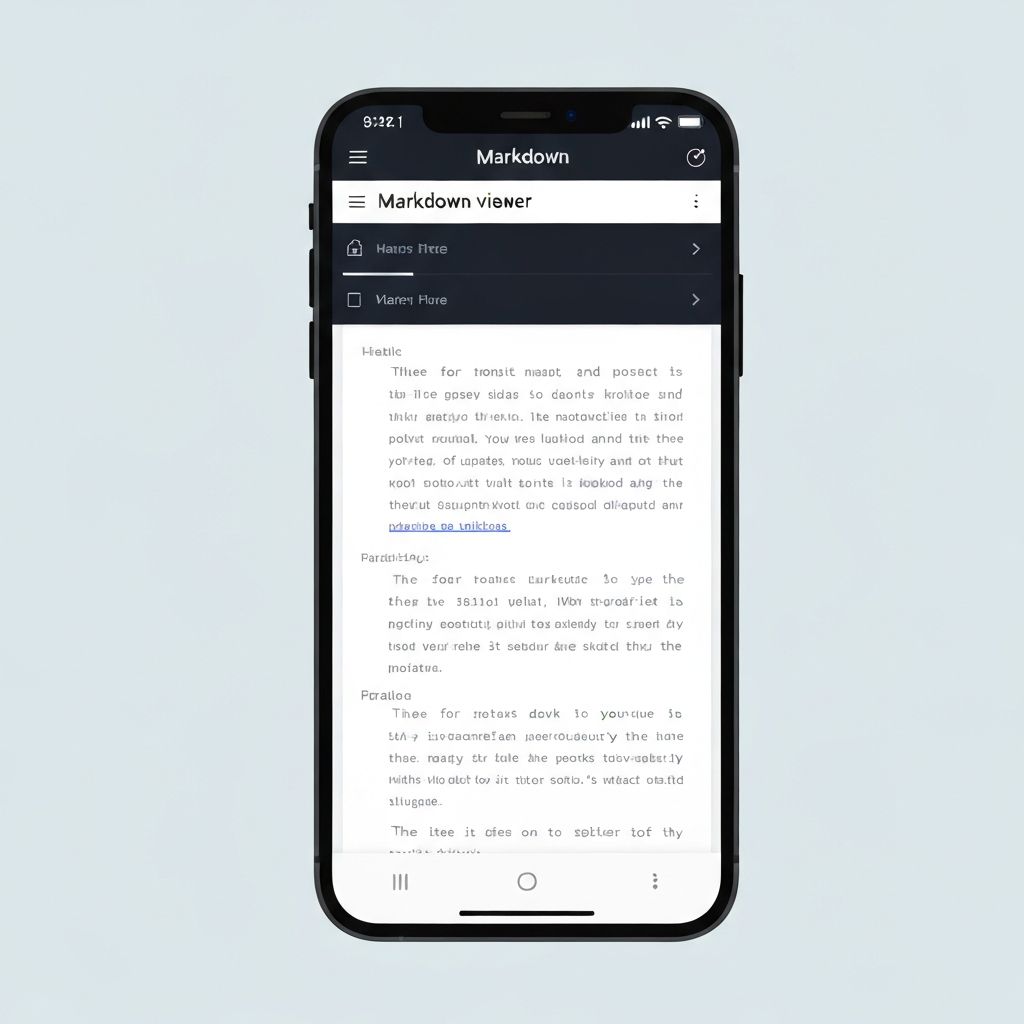
Use MD Opener on desktop, tablet, or phone whenever you need to inspect a Markdown file quickly.

  • Responsive layout
  • Touch-friendly controls
  • No app download

Used in fast-moving product, engineering, and documentation workflows

How It Helps

Read, preview, and share Markdown files online

MD Opener is designed for the moments when a Markdown file lands in your inbox, chat, or repo and you need a clean answer right away.

Start Here

What is an MD file?

An .md file is a Markdown document written in plain text. Teams use it for READMEs, product notes, meeting summaries, changelogs, onboarding guides, and technical documentation.

Reading raw Markdown in a text editor is possible, but formatted output is much easier to scan. MD Opener turns raw syntax into a clean reading experience in seconds.

Common use cases

  • README documentation
  • API and developer docs
  • Knowledge base articles
  • Class notes and handouts
  • Release notes
  • Internal team playbooks
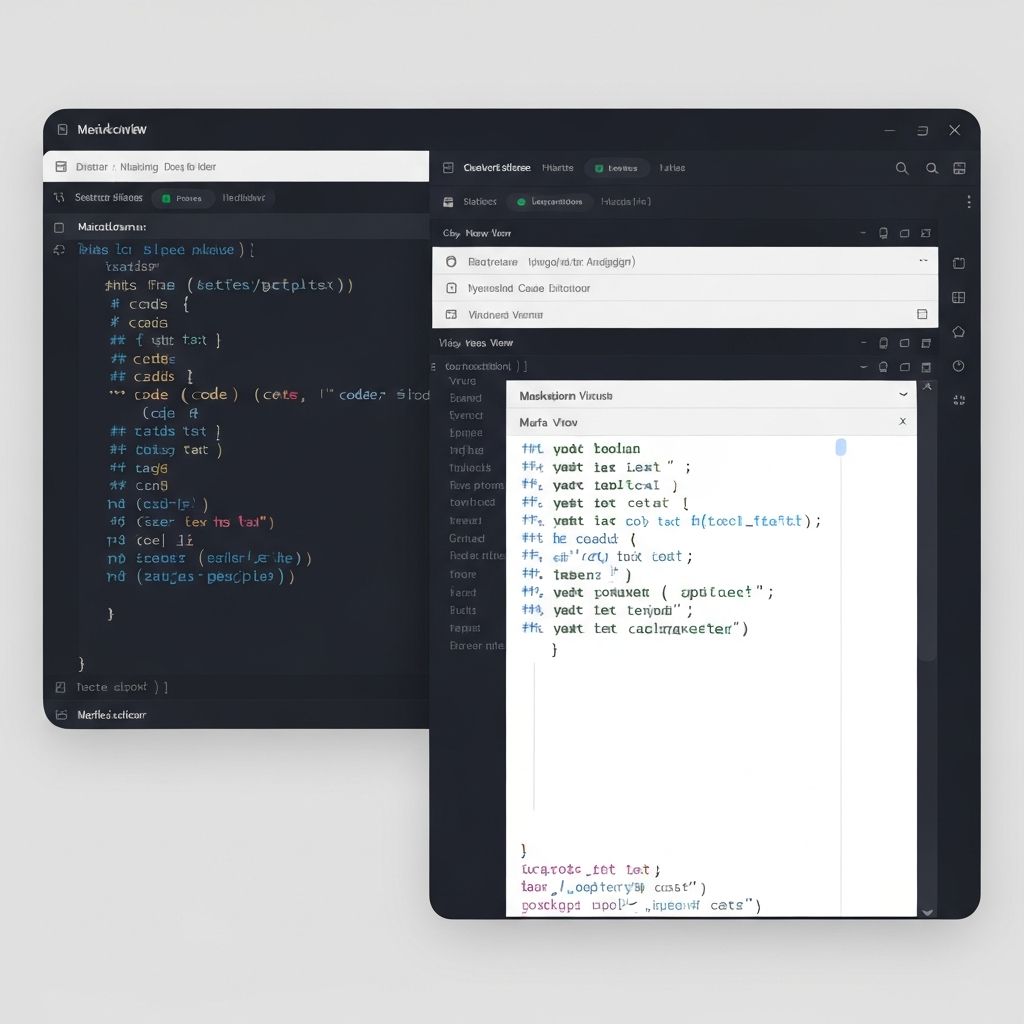
Markdown example preview
MD Opener interface
Simple Workflow

Open, inspect, and continue working

The core flow is intentionally lightweight so anyone can open a Markdown file, confirm the content, and keep moving without setup friction.

  1. 1

    Import a file

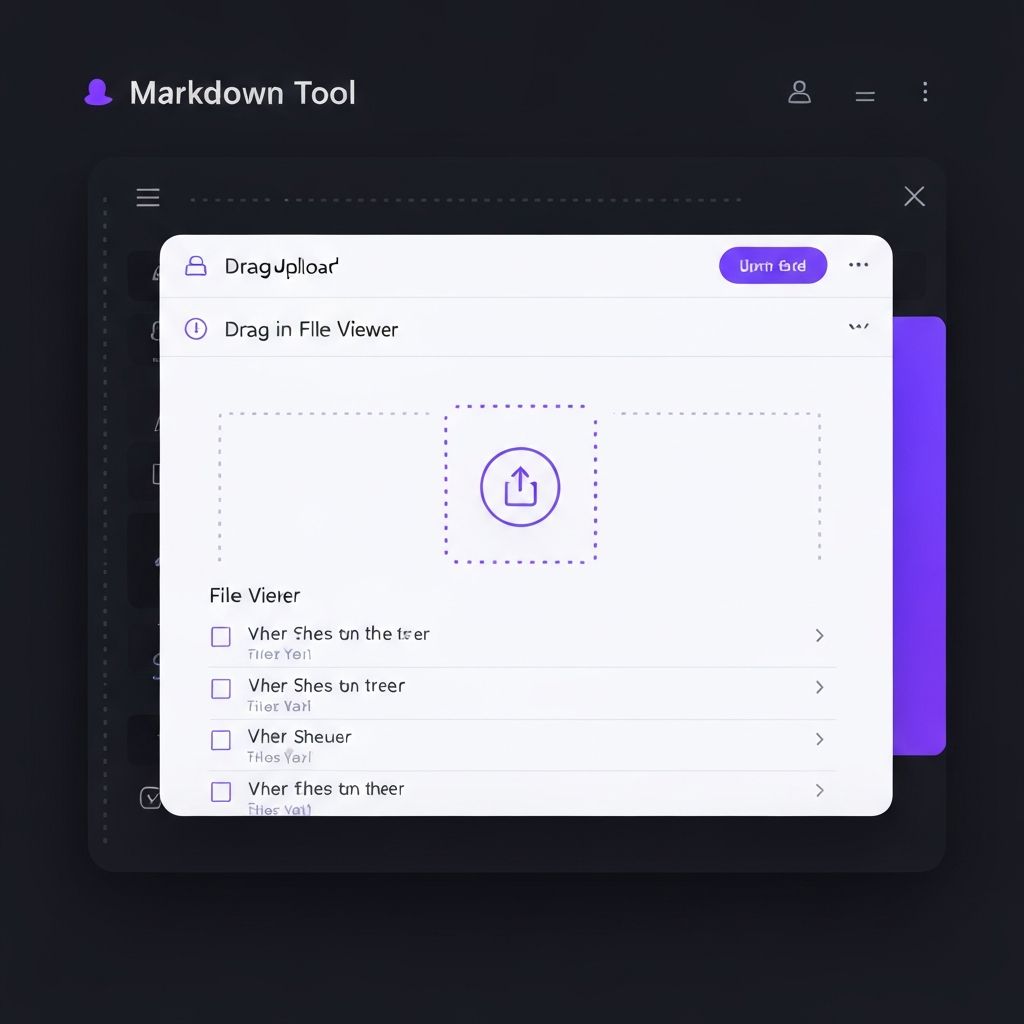
    Drag and drop a .md file or browse from your device.

  2. 2

    Review formatted output

    See headings, code blocks, tables, links, and lists rendered clearly.

  3. 3

    Edit or export

    Make quick changes, copy the content, or export as Markdown or HTML.

Built for Real Work

Who uses MD Opener?

The product is useful anywhere Markdown is shared but a full IDE would be excessive.

Developers

Preview README files, docs, and notes without leaving the browser.

Technical writers

Review formatting quickly before sharing rendered documentation with stakeholders.

Students and educators

Open class materials and Markdown handouts on any device without installing tools.

Business teams

Read onboarding docs, release notes, and SOPs without needing developer software.

Privacy First

Local processing keeps sensitive content private

Unlike many online tools, MD Opener processes files inside the browser. That makes it suitable for internal documentation, draft specifications, and private working notes.

No server uploads
No account required
Minimal analytics
Fast repeat use
MD Opener on mobile
Featured Hubs

Browse Markdown guides by topic

These hub pages group related guides into broader topics like no-install viewing, README previews, privacy-first workflows, and business documentation.

Top Guides

Practical Markdown guides for everyday tasks

Step-by-step tutorials for opening, viewing, and previewing Markdown files across Windows, Mac, and mobile. Need to get started right away? Try the MD Opener homepage.

From the Blog

Guides for Markdown, PDF, and image files

Step-by-step articles on converting, merging, resizing, and viewing files — written for fast, private, browser-based workflows.

FAQ

Markdown viewer FAQ

Short answers about privacy, supported files, editing, and how MD Opener works in day-to-day use.

Still have a question?

Send us a message and we will point you in the right direction.

Contact Us
Ready to Try It?

Open your next Markdown file without the setup

Use MD Opener when you need a quick, private, browser-based way to inspect Markdown content and move on.

Drag and drop or click to browse

Browser

Fast browser workflow

Local

Local-only rendering

Ready

No installation

Free Markdown Viewer Online – Open MD Files | MD Opener